
Energy Efficient Pool Pump Upgrade: Denver Incentive Paperwork Guide
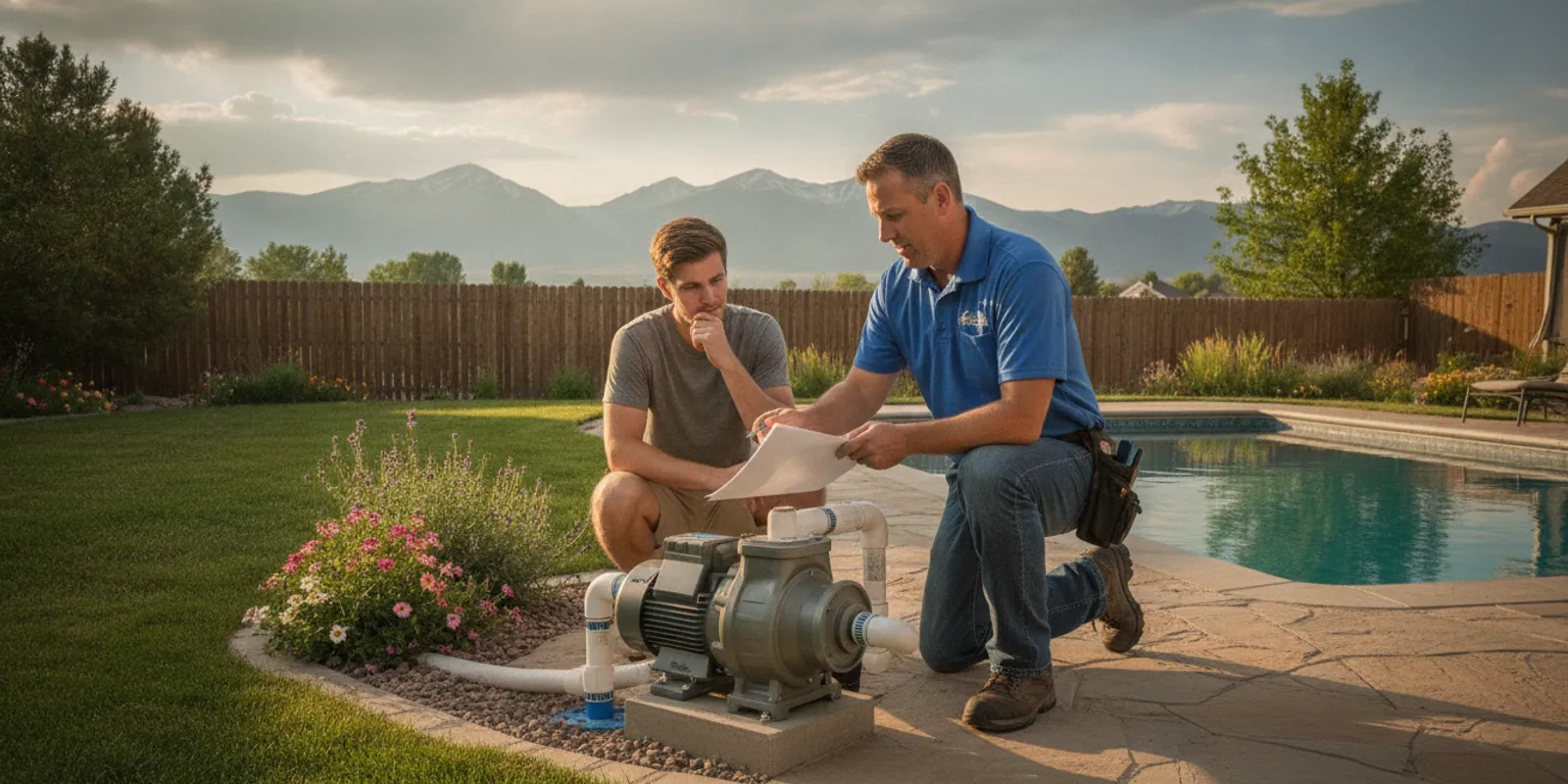
What should you keep after an energy efficient pool pump upgrade? For a Denver homeowner, the answer is more than the final invoice. A complete file can help you document the equipment, understand its operating settings, support an incentive application if one is available, and make future repairs easier. It can also preserve useful information when the pool changes hands or when another technician needs to evaluate the system.
Ask Neptune Pools to review your pump upgrade paperwork.
Why should you save paperwork after a pool pump upgrade?
A pool pump is part of a larger circulation system. The pump, filter, valves, controller, plumbing, electrical connection, and automation settings all affect how the equipment operates. A document that looks minor today may answer an important question later: What model was installed? When did the warranty begin? Who performed the work? What flow or runtime was intended? Which parts are covered?
Paperwork also separates documented facts from memory. Homeowners often remember that a pump was replaced but not the exact date, model, horsepower, voltage, or control method. Those details matter when ordering parts, comparing performance, preparing for service, or explaining the system to a future owner.
Keep digital copies in one folder and paper copies in a second location. Use a clear file name such as “Pool pump upgrade—Denver—2026” and include the installation date in each document name. If you work with a property manager or HOA, share the file with the person responsible for maintenance records.
What documents belong in the core upgrade file?
Start with the records that prove what was purchased and what work was completed. A useful file should include the following documents.
1. The itemized invoice or receipt
Save the final invoice, not only a payment confirmation. The invoice should identify the pump or motor, labor, accessories, taxes, and any other work performed. If an old pump was removed or credited, keep that information too.
Check that the invoice includes the installation or completion date and the name of the company that performed the work. If the invoice uses a short description such as “pool equipment,” ask for a more detailed version while the project is still easy to document.
2. The equipment identification record
Save the manufacturer, model number, serial number, motor type, rated voltage, and other information printed on the equipment label. Take a clear photograph of the label before it becomes dirty or difficult to read. A second photo showing the installed pump in context can help identify its position in the equipment pad.
Do not rely on a product name alone. Similar pump families may have different control connections, replacement parts, or operating requirements. The exact model and serial number are more useful for warranty support and future troubleshooting.
3. The owner’s manual and installation instructions
Keep the owner’s manual, installation guide, wiring information, and manufacturer safety instructions. These documents explain the approved operating conditions, maintenance points, control functions, and warnings. Store them with the digital file even if the pump has a display or app that seems self-explanatory.
If the installer supplied a quick-start sheet, save it alongside the full manual. A quick-start sheet may show the initial schedule or control sequence, while the full manual provides the details needed for service.
4. The warranty documents
Save the manufacturer warranty, registration confirmation, terms, and proof of purchase. Note whether the warranty applies to the pump, motor, controller, or separate components. The coverage period may begin on the purchase date, installation date, or another date stated in the warranty terms.
Write down any registration deadline. If registration was completed online, save the confirmation email or a PDF printout. A warranty file is much easier to use when it includes the model, serial number, purchase date, installer information, and the original receipt in one place.
Which installation and approval records should Denver homeowners keep?
The equipment receipt tells you what you bought. Installation records show how the project was completed. Keep the following items when they apply to your property.
Electrical and permitting records
Save any permit application, permit number, inspection result, electrical work order, or other approval record associated with the upgrade. Whether a permit was required can depend on the work performed and the local authority having jurisdiction. Do not assume that a permit was or was not needed based only on the pump’s size.
If an electrician made changes to the circuit, disconnect, bonding, wiring, or controls, keep the electrician’s invoice and any related documentation. These records can help distinguish a pump issue from a power or control issue later.
Equipment schedule and commissioning notes
Ask for a written record of the initial settings. Useful items may include programmed speeds, daily runtime, scheduling windows, priming behavior, control mode, and the equipment connected to the pump. The record should describe the intended setup, not promise that the same settings fit every season.
Pool turnover and runtime should be evaluated from measured conditions. The basic turnover calculation is pool volume divided by measured flow multiplied by 60: pool volume / (measured flow × 60). Keep any measured flow information, testing notes, or commissioning worksheet with the installation documents. Avoid treating a generic schedule as a universal rule for every pool.
Plumbing or equipment-pad changes
Save a diagram or written note if the upgrade changed valves, pipe routing, filters, heaters, cleaners, salt systems, or automation. Photograph the equipment pad from several angles. Labeling the photos with the date can help show what changed during the project.
For more help identifying related equipment, see Neptune Pools’ pool equipment repairs and servicing information. A pump rarely operates in isolation, so records for connected components can be just as valuable as the pump receipt.
Which records matter most?
| Record | What it documents | When you may need it |
|---|---|---|
| Itemized invoice | Equipment, labor, date, and payment details | Incentive application, warranty, resale, or service |
| Model and serial number | Exact pump and motor identification | Parts, troubleshooting, warranty, or replacement |
| Settings or commissioning sheet | Initial speeds, runtime, controls, and measured conditions | Seasonal adjustments or performance questions |
| Permit or inspection record | Related electrical or installation approvals | Property records, inspection, or future electrical work |
| Warranty and registration | Coverage terms and registration status | Manufacturer support or a covered repair |
Keep the records together when possible. A service provider can work more efficiently when the equipment identity, installation history, and current settings are available in one file.
What paperwork may support an energy-efficiency incentive?
Incentive requirements vary by program, utility, location, equipment type, and application date. Do not assume that an efficient pump automatically qualifies. Before applying, read the current program terms and confirm that the specific model, installation date, installer, and property meet the requirements.
When an incentive is available, the application commonly asks for some combination of these records:
- Final itemized purchase and installation invoice.
- Manufacturer, model, and serial number.
- Proof of payment, such as a receipt or paid invoice.
- Product specification sheet or efficiency documentation.
- Installer information and completion date.
- Permit, inspection, or electrical documentation when required.
- Photos of the installed equipment if the program requests them.
- Completed application, approval email, and payment confirmation.
ENERGY STAR explains that certified in-ground pool pumps use less energy than standard pool pumps and may reduce annual energy costs, but a product’s certification is not the same as eligibility for every local incentive. Keep the product page or certification information that applies to your exact model, and verify the current program rules before submitting an application. You can review the general pool-pump information from ENERGY STAR.
Save the complete application even after payment. The approval notice may state the equipment category, qualifying date, or documentation basis. If the application is denied, keep the denial and correction request too. Those records show what was submitted and may help if the program allows a resubmission.
Review the broader Denver guide to energy efficient pool equipment.
How should you organize the records for future service?
A simple folder structure makes the file useful instead of merely complete. Create folders for “Purchase,” “Installation,” “Warranty,” “Incentive,” and “Service.” Put the original documents in the appropriate folder, then add a one-page summary at the top.
Your summary can include:
- Installation date and property address.
- Manufacturer, model, serial number, and control type.
- Installer and electrician contact information.
- Warranty start date, end date, and registration status.
- Initial schedule and any measured flow or turnover notes.
- Permit or inspection reference, if applicable.
- Incentive name, application date, status, and payment date.
- Date of the most recent service visit and any changed settings.
Keep the file updated when a setting changes or a related component is replaced. A service record should identify the date, work completed, parts used, observations, and recommendations. If the pump is connected to an automation system, record changes to the controller or communication settings as well.
Neptune Pools provides pool cleaning and maintenance for homeowners who want a documented routine. A regular service history can complement the upgrade file by showing how the equipment has been operated and maintained.
What should property managers and HOAs save?
For an HOA, rental property, or commercial site, the record should be accessible to more than one person. Save the documents in the property’s maintenance system and identify who can authorize service. Include the equipment location, shutoff information, control access, and any seasonal operating instructions.
Keep copies of contractor insurance or licensing documents when they are part of the organization’s procurement process. Record the approval date, board or owner authorization, and the final project sign-off. For a shared facility, add the responsible contact for water care and the contact for electrical or automation issues.
Neptune Pools offers information for HOA pool management needs and commercial pool service. The right record process depends on the property’s ownership and operating responsibilities, but the goal is the same: the next responsible person should be able to understand the system without starting from zero.
What mistakes can make the paperwork less useful?
A few common habits create avoidable gaps:
- Saving only a credit-card receipt without an itemized invoice.
- Discarding the original manual after downloading a generic replacement.
- Failing to photograph the model and serial labels.
- Assuming the product is incentive-eligible without checking current rules.
- Leaving the installer’s settings undocumented.
- Keeping the only copy in an email account or on one phone.
- Changing schedules without recording who made the change and why.
- Mixing documents for multiple properties in one folder.
Correct these gaps while the installation is recent. If a document is missing, ask the installer or supplier for a copy and write down when you requested it. A short follow-up now is usually easier than reconstructing the project years later.
How can you prepare before contacting a pool professional?
Gather the equipment photos, invoice, warranty, current schedule, and a short description of the issue or question. Note whether the pump is noisy, loses prime, shows an error, trips a breaker, or seems to run longer than expected. Do not alter wiring or open electrical components unless the work is within your qualifications and permitted by applicable rules.
Also record recent weather or operating changes that may affect the system. Denver-area pools experience seasonal shifts, cold nights, wind, sunshine, and changing use patterns. Winter and freeze-protection decisions should be made for the specific system and forecast rather than from a universal setting.
Send Neptune Pools your upgrade questions and request a service conversation.
Frequently asked questions
Do I need every document before requesting help?
No. Start with whatever you have, especially the pump label photo, invoice, and a description of the current behavior. Missing records can often be identified during the review.
Should I keep the old pump information?
Yes. Keep the old model, removal date, and any notes about its condition when available. The history can help explain why the upgrade was selected and may provide useful context if another component is still original.
Is an energy efficient pump automatically eligible for a rebate?
No. Eligibility depends on the current program rules and the exact equipment and installation details. Confirm the requirements before purchase or installation, and keep the complete submission and approval records.
How long should I keep the paperwork?
Keep it for as long as you own the property and for the full warranty period at minimum. Retain incentive records according to the program’s instructions and any tax or property-record requirements that apply to you.
What if my pump upgrade was completed without a written settings sheet?
Ask the installer or service provider to document the current configuration. A technician can also record the existing settings and measured conditions during a service visit, then explain which changes should be made seasonally.
Complete, organized records turn an energy efficient pool pump upgrade into a documented part of your pool system, making future maintenance, warranty questions, and service decisions easier for your Denver property.
Related Blogs

