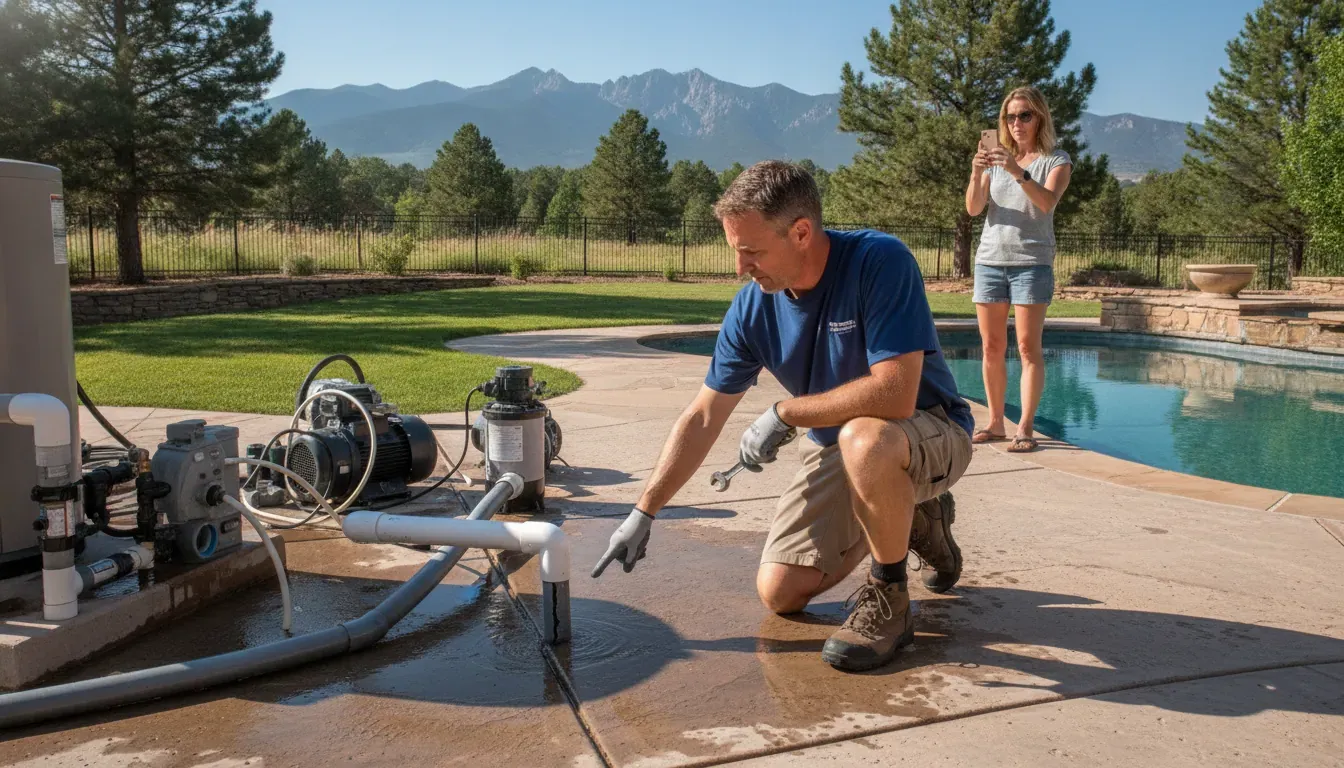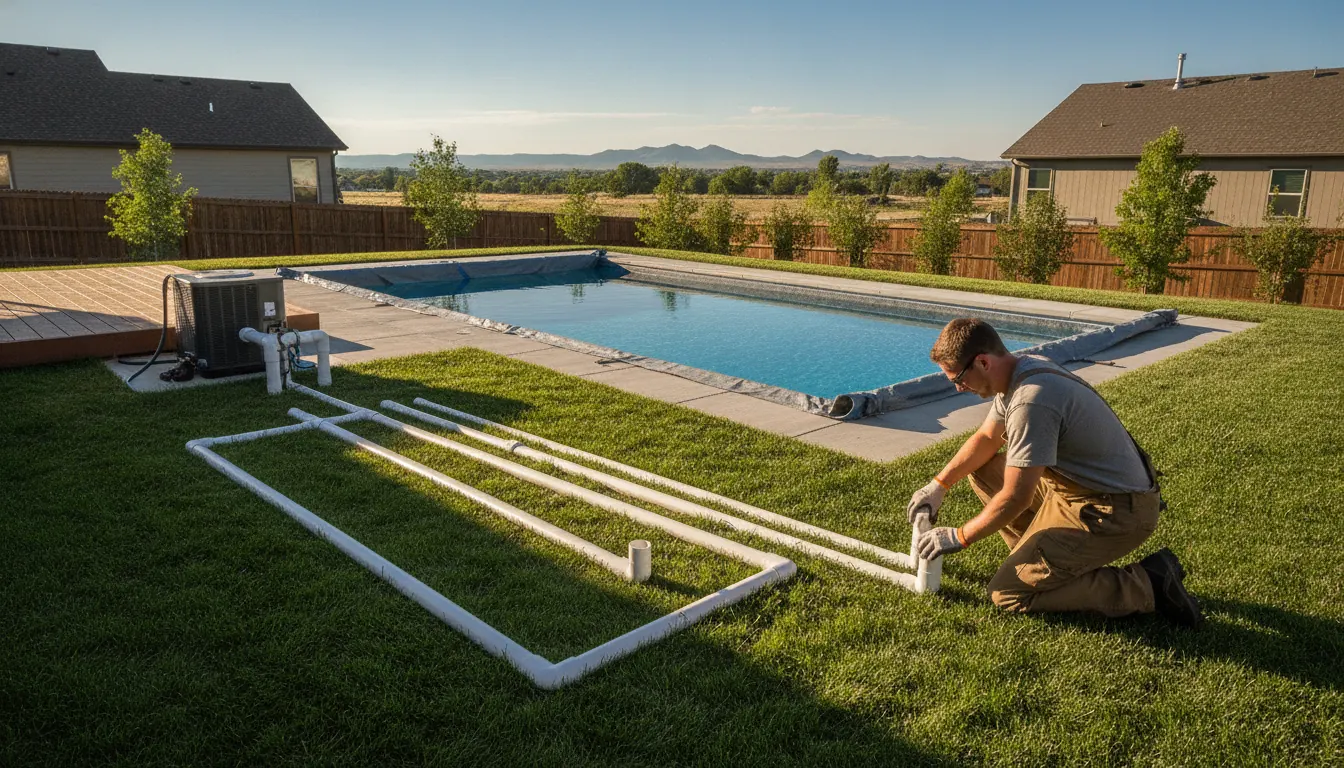
Pool Pump Run Time Calculator: Set a Safer Schedule
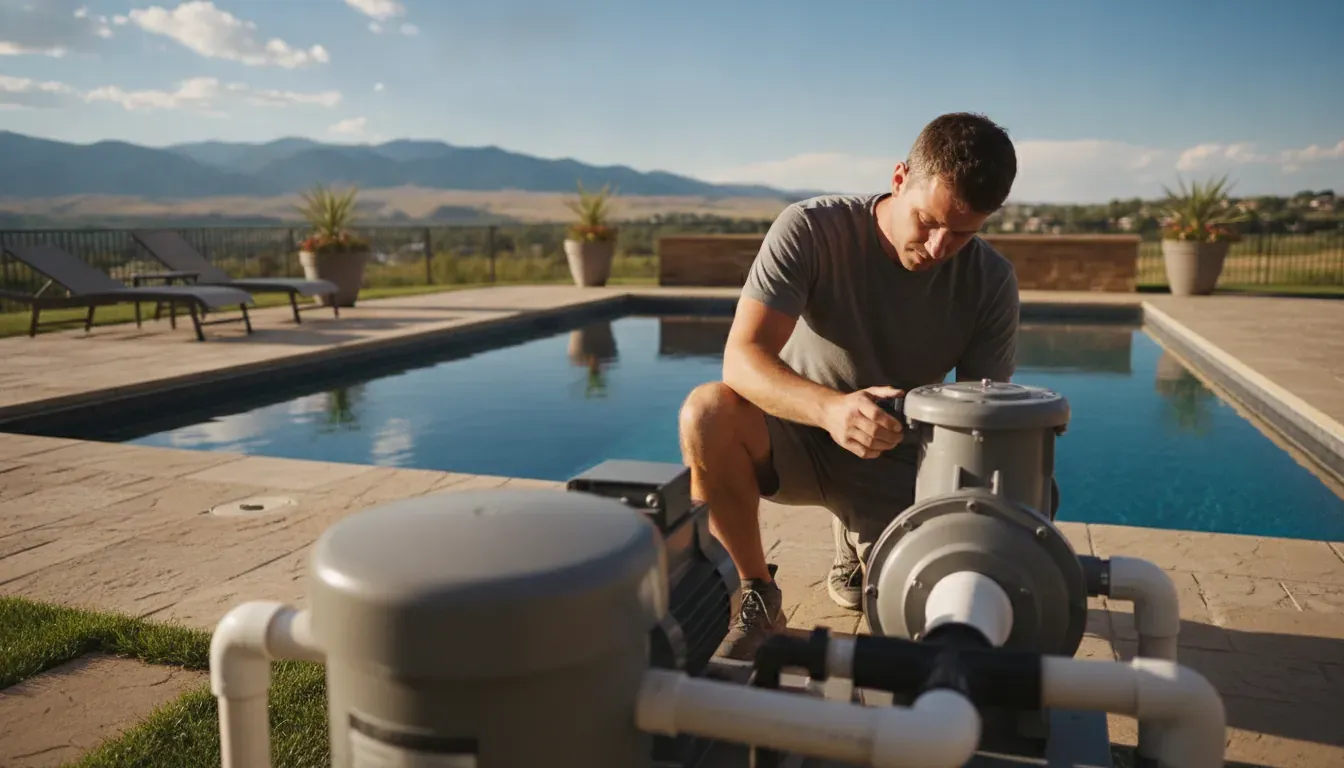
A pool pump run time calculator can give you a useful starting point, but it cannot replace measured flow and an understanding of your pool's conditions. A schedule that works for one Denver pool may be too short or unnecessarily long for another, even when the pools appear similar.
Start with this calculation: runtime in hours = pool volume in gallons / (measured flow in gallons per minute x 60). Then adjust the result for your turnover goal, filter condition, weather, swimmer use, debris, and equipment setup. In practical terms, the formula estimates how long one calculated pool-volume turnover takes, not a universal daily runtime.
Denver's rapid temperature changes, intense sun, seasonal use, and freeze concerns make those adjustments especially important. A variable-speed pump, restricted filter, or equipment issue can also change the flow your system actually delivers. The first step is to use the math correctly, then compare it with what your pool and equipment are showing.
Get help with pool equipment repair and servicing.
Next, we will apply the calculation step by step so you can estimate a realistic starting runtime for your pool.
How to Use a Pool Pump Run Time Calculator
A pool pump run time calculator is only as reliable as the numbers entered into it. Start with the pool's approximate water volume and the pump's actual flow rate, then use the result as a calculated turnover time rather than an automatic daily schedule. The formula is:
Turnover time (hours) = pool volume (gallons) / (flow rate (GPM) x 60)
The 60 converts gallons per minute into gallons per hour. Follow this sequence for a useful first calculation:
- Enter the pool volume. Use the best available estimate in gallons. For example, use 20,000 gallons for the first worked example below.
- Enter actual flow in GPM. Do not automatically substitute the pump's maximum rated capacity. Plumbing, filters, heaters, chlorinators, and returns create resistance, so actual flow can differ from the nameplate rating. A pump performance curve or flow meter can provide better information. A five-gallon bucket test at a return jet can offer an approximate check, but it is not a precision measurement.
- Calculate one turnover. For a 20,000-gallon pool moving 60 GPM: 20,000 / (60 x 60) = 20,000 / 3,600 = 5.56 hours. Rounded for practical use, that is about 5.6 hours for one calculated turnover.
- Check a second scenario. For a 30,000-gallon pool moving 50 GPM: 30,000 / (50 x 60) = 30,000 / 3,000 = 10 hours for one calculated turnover.
- Compare the result with your target. If a 20,000-gallon pool has an eight-hour turnover target, the required flow is 20,000 / (8 x 60), or about 41.7 GPM. That reverses the formula and shows whether a measured flow rate can meet the target within the planned schedule.
One important distinction prevents many calculator misunderstandings. A turnover means that a volume equal to the pool's total volume has passed through the circulation system. It does not mean every individual gallon was filtered exactly once. Returned water mixes with the pool water, so the calculation describes circulated volume, not a perfect pass-by-pass accounting of each gallon.
Use these examples as starting points, not universal runtime promises. The practical schedule may change when the filter is dirty, flow is lower than expected, pool use increases, or weather and water conditions shift. A calculator gives you transparent math. It does not replace checking the circulation system and choosing an appropriate turnover target.
How Pool Volume and Actual Flow Change the Result
A runtime estimate depends on two inputs: the amount of water in the pool and the flow the system actually produces. If two pools use the same pump but one holds twice as much water, the larger pool needs about twice the calculated runtime for the same turnover. That scaling relationship is simple. The flow number is often less certain than a pump label suggests.
| Factor | Effect on circulation | What to check |
|---|---|---|
| Pool volume | More gallons require more time when flow stays the same. | Use the best available pool-volume estimate. |
| Actual GPM | Higher flow reaches the target turnover sooner. | Compare the pump curve or a measured flow value with the calculation. |
| Filter pressure | Debris and rising pressure can reduce effective flow. | Inspect and clean the filter according to its requirements. |
| System resistance | Plumbing, heaters, chlorinators, and returns can lower flow below rated capacity. | Consider the complete equipment and plumbing path, not the pump alone. |
A pump's rated capacity is not necessarily the flow reaching the pool. Longer pipe runs, multiple returns, heaters, chlorinators, and other equipment create resistance. Filter pressure adds another restriction, especially as debris accumulates. Actual flow can be lower than the pump's maximum rated flow, so use a measured value or the manufacturer's performance curve when possible instead of applying a generic percentage reduction.
Start with the pump nameplate and the manufacturer's performance curve if available. A curve shows how the pump behaves as system resistance changes. A flow meter on the return line provides a more direct reading.
If those resources are unavailable, use an approximate five-gallon bucket test for comparison. Time how long a return jet takes to fill the bucket. Then estimate that jet's flow. This is not a precise whole-system measurement. It samples one return and may not represent every return or the pump's flow under other conditions.
Because a dirty filter can restrict effective flow and lengthen the practical runtime, keep maintenance in the calculation rather than treating it as a separate concern. Neptune's pool filter maintenance guide can help you understand the inspection and cleaning side of that process. When the measured result, pressure reading, or water performance does not make sense, equipment-specific diagnosis is more reliable than repeatedly increasing the timer.
How Many Daily Turnovers Does Your Pool Need?
A turnover is a circulation target, not a promise that every gallon of water passes through the filter once. It means the system has moved a volume equal to the pool's total volume through circulation. Because filtered water mixes back into the pool, actual filtration is gradual rather than perfectly sequential.
For a lightly used pool, cooler conditions, or water that is already holding excellent chemistry, one daily turnover can serve as a minimum starting point. Light to moderate residential use may justify about 1.5 turnovers. Two turnovers are often used as a practical starting point for many residential pools, but that figure is not a universal rule. Swimmer load, debris, heat, and water-quality conditions still determine whether the schedule is working.
- 1 turnover: A reasonable baseline for light use, cooler months, and stable water chemistry.
- 1.5 turnovers: A middle setting for light to moderate residential activity.
- 2 turnovers: A common starting target for a regularly used residential pool.
- More than 2 turnovers: A possible response to heavy use, hot conditions, or recurring water-quality problems, after checking chemistry and equipment.
These targets are best applied to the flow your system actually produces, not simply the pump's nameplate rating. A higher target can require more runtime, while restricted flow can make the same target take longer. If water remains cloudy, chemicals distribute unevenly, debris settles, or skimming is poor, increasing runtime alone may not solve the underlying issue.
There is also a useful mathematical model for understanding why repeated circulation helps. Under an idealized continuous-mixing assumption, the approximate fraction that has passed through the filter is calculated as 1 - e-n, where n is the number of turnovers. The model estimates about 63 percent after one turnover, 86 percent after two, 95 percent after three, and 98 percent after four.
Those percentages describe an approximation, not a field guarantee. Real pools do not mix continuously or perfectly. Pump speed, plumbing resistance, filter condition, return placement, surface debris, and pool use all affect the result. Treat the model as a way to compare targets, then adjust the schedule based on measured flow, water clarity, chemistry, and equipment behavior.
Get help evaluating pool pump flow and equipment performance.
What Filter Condition and Equipment Health Add to the Calculation
A pool pump run time calculator can only be as accurate as the flow rate you enter. That flow is not fixed when the system is dirty, restricted, or developing a mechanical problem. A filter loaded with debris increases pressure and reduces effective flow, so the pump may need to run longer to move the same volume of water. Extending the timer without addressing the restriction can keep the system working harder while still leaving parts of the pool under-circulated.
Start with the filter and baskets before changing the schedule. A full skimmer basket, clogged pump basket, dirty cartridge, or overdue backwash can limit water reaching the pump. Poor skimming and debris settling on the floor are practical clues that water is not moving through the system as expected. The same is true of cloudy water, algae that persists despite apparently appropriate chemistry, or uneven chemical distribution. These symptoms do not automatically prove that runtime is the cause. They may point to a filter, circulation, plumbing, or water-balance issue that needs diagnosis.
Pressure is useful context, but it should be interpreted against your equipment's normal reading rather than a universal number. A rising pressure reading after debris accumulates can indicate increasing resistance. A sudden change in pressure, loss of prime, weak returns, or a pump that sounds different deserves more attention than simply adding hours to the timer. Neptune's Colorado pool equipment maintenance guidance can help frame those routine checks.
When longer runtime is not the right fix
More operating time may be reasonable while a pool is recovering from heavy debris or a water-quality problem. It is not a substitute for correcting the cause. High energy use without a visible water-quality benefit, repeated seal or bearing wear, and an overheating motor can signal excessive runtime or equipment trouble. Leaks, unusual noise, overheating, or a pump that cannot maintain expected circulation should be treated as service signals, not calculator inputs.
Follow the manufacturer's maintenance recommendations for filtration and recirculation equipment, as the CDC advises for pool systems: maintain filtration and recirculation systems according to manufacturer recommendations. In practice, that means pairing the calculated schedule with clean baskets, appropriate filter care, observed pressure, balanced chemistry, and clear returns. For persistent flow, leak, motor, automation, or overheating concerns, use Neptune's pool equipment repair and servicing team to evaluate the system before committing to a longer daily runtime.
How Denver Weather and Altitude Affect Pump Scheduling
A calculation gives you a starting point, but Denver Metro conditions can change what your pool needs from day to day. Colorado weather can move quickly from warm sun to a cold night. Summer brings intense ultraviolet exposure, more swimmer use, wind, and faster evaporation. Cooler months usually bring less use and slower biological activity. Each factor can influence the circulation schedule, even when the pool volume and pump remain the same.
Evaporation is not just a water-level issue. The EPA identifies temperature, humidity, and wind speed as variables that affect evaporation, while leaks, water quality, and pool usage also affect water loss and maintenance needs. For context, the EPA estimates that an uncovered 500-square-foot pool can lose 12,000 to 31,000 gallons per year through evaporation, depending on climate. That range is not a runtime recommendation. But it shows why an uncovered pool exposed to Denver wind and sun may need closer attention than a covered pool in a protected location. EPA outdoor pool guidance provides the source details.
Seasonal changes should guide adjustments
During the active swimming season, higher temperatures, heavier use, dust, leaves, and windblown debris may justify more circulation or more frequent checks. In cooler periods with little or no swimming, a schedule may be reduced after water clarity, chemistry, and equipment performance confirm that the change is appropriate. Avoid changing runtime by a fixed percentage simply because the calendar changed. Watch the pool's condition and confirm that the pump is still moving water effectively.
Colorado's hard-water conditions and intense UV can also affect how the water looks and how quickly chemistry changes. Cloudiness, uneven chemical distribution, poor skimmer performance, or recurring debris are practical signs that the current schedule, filter condition, or water-management routine deserves review. A longer schedule will not correct every problem. Test the water, inspect baskets and filters, and look for leaks or equipment restrictions before adding hours.
Altitude is an equipment factor, not a universal correction
Denver's elevation can affect equipment performance and observed flow, but it does not justify one altitude-based runtime correction for every pump. Actual results depend on the pump model, plumbing, filter, water level, fittings, and operating speed. A pool pump run time calculator can estimate turnover when its flow input is reliable. But a nameplate rating is not the same as measured flow through the complete system.
Freeze risk adds another Colorado-specific scheduling concern. Protecting exposed plumbing and equipment during sudden cold weather may require seasonal programming or freeze-protection controls rather than simply adding routine daily runtime. Review Neptune Pools' pool equipment freeze protection guidance, and have the system evaluated if it loses prime, runs unusually hot, shows abnormal pressure, or fails to maintain circulation. The right schedule is the one that matches measured equipment behavior, current weather, and the pool's actual condition.
How to Build a Safer Daily Pump Schedule
A calculator gives you a starting point, but a safe schedule comes from comparing the calculation with your equipment and the pool's behavior. Use this process rather than treating one runtime as a permanent rule.
- Start with measured or defensible flow. Use a flow meter when available, or review the pump's manufacturer performance curve and model information. A nameplate rating is not the same as the flow your pool receives after plumbing, heaters, chlorinators, returns, and filter resistance. If you use a five-gallon bucket test at a return jet, treat it as an approximation, not a precision measurement. The schedule is only as useful as the flow number behind it.
- Choose a turnover target. Calculate the time for one turnover with pool volume divided by actual gallons per minute multiplied by 60. Then decide whether your conditions support one, 1.5, or more turnovers. Light use, cooler conditions, and stable chemistry may support a lower starting target. Frequent swimming, heavy debris, hot weather, or recurring water-quality problems can justify more circulation. These are planning ranges, not universal prescriptions.
- Adjust for the pump's operating speed. A variable-speed pump moves less water at a lower speed, so it may need to run longer to achieve the same turnover as a higher-speed setting. Do not assume that a longer schedule automatically means higher cost or that a shorter schedule is always better. Idealized centrifugal-pump affinity math suggests that power changes with the cube of flow, but real results depend on the pump curve, system resistance, controls, and operating condition. Use measured water quality and equipment performance to validate any change.
- Decide whether to split the runtime. If your controls allow it, divide the daily total into two or three sessions instead of running continuously. This can help distribute circulation across the day, but the intervals still need to add up to the turnover target. Account for expected swimming, skimming needs, chemical dosing, and any manufacturer or automation requirements. Keep the schedule simple enough to monitor and adjust.
- Observe the pool and pressure before changing it again. Check water clarity, chemical distribution, skimmer performance, filter pressure, pump noise, and whether the equipment holds prime. Cloudiness, algae despite appropriate chemistry, settled debris, or weak skimming may point to inadequate circulation, a dirty filter, or another issue. A clogged filter can restrict flow, so adding runtime may mask a maintenance problem instead of solving it.
- Stop adjusting and request an evaluation when equipment is abnormal. Do not keep extending runtime to compensate for a pump that is noisy, leaking, overheating, losing prime, showing abnormal pressure, or failing to meet the needed turnover. Neptune Pools services variable-speed and single-speed pumps, filters, timers, and automation systems, and can inspect the equipment before a scheduling change creates more wear.
Schedule pool equipment repair and servicing with Neptune Pools.
Frequently Asked Questions
Is eight hours a universal pool pump runtime?
No. Eight hours is a scheduling target that may fit one pool but not another. The useful starting point is a turnover calculation based on pool volume and actual flow, then an adjustment for water use, weather, filter condition, and chemistry. A Denver pool may need a different schedule in a cool, lightly used period than during hot weather, heavy swimming, or a debris-heavy stretch. Treat any calculator result as a planning estimate, not a universal promise.
Should I run my pump in winter or during a freeze?
Sometimes. Winter operation should follow the equipment manufacturer's instructions and your pool's winterization or freeze-protection plan. Freezing conditions can damage water-filled plumbing and equipment, while shutting down or changing the schedule without accounting for local weather can create risk. Denver's rapid temperature changes make equipment-specific settings important. Do not assume that a standard daily runtime protects every system. Review your pool equipment freeze protection plan and arrange a check if automation or freeze protection is not behaving as expected.
Why is my pool still cloudy even though the pump runs long enough?
Runtime alone does not guarantee clear water. Cloudiness can point to chemistry imbalance, a dirty or restricted filter, poor skimmer performance, settled debris, algae, or insufficient circulation. Check baskets, filter pressure, water chemistry, and return flow before adding more hours. A filter that is clogged can reduce effective flow, so a longer schedule may not deliver the turnover your calculation assumes. If the water remains cloudy after basic checks, have the circulation and filtration system evaluated rather than simply extending runtime.
How should I set runtime for a variable-speed pump?
Use the flow produced at the selected speed, not the pump's maximum rating. Lower speeds move less water per minute, so the pump may need to operate longer to achieve the same calculated turnover. You can divide the schedule into two or three sessions if that better maintains circulation through the day. The right combination depends on measured flow, filter pressure, plumbing resistance, automation settings, and water quality. Avoid copying a single-speed schedule into a variable-speed system without checking those conditions.
When should I call a pool equipment technician?
Request an equipment assessment when the pump is noisy, leaking, overheating, losing prime, showing abnormal pressure, or failing to provide expected return flow. A technician can inspect the pump, motor, filter, valves, plumbing, timer, and automation, then help establish a schedule based on the actual system. Neptune Pools services variable-speed and single-speed pumps, filters, timers, and automation systems for Denver Metro homeowners. Pool equipment repair and servicing is a better next step than continually adding runtime to compensate for an unresolved fault.
Ready to Check Your Pool Pump Schedule?
A pool pump run time calculation is a useful starting point. But the right schedule also depends on your equipment-specific flow, filter condition, pump settings, automation, and freeze-protection needs. Those details can matter in Denver Metro, where seasonal conditions and equipment demands change throughout the year. If your calculation leaves questions about circulation or you want a second look at the setup, Neptune Pools can help you work through the next step.
Related Blogs